

inCarDoc OBD2 app
inCarDoc is an OBD2 diagnostic app that reads and clears check engine codes and monitors vehicle data in real time. The app simplifies car diagnostics by connecting to your vehicle via Bluetooth or Wi-Fi using an ELM327 adapter. inCarDoc available for iOS and Android


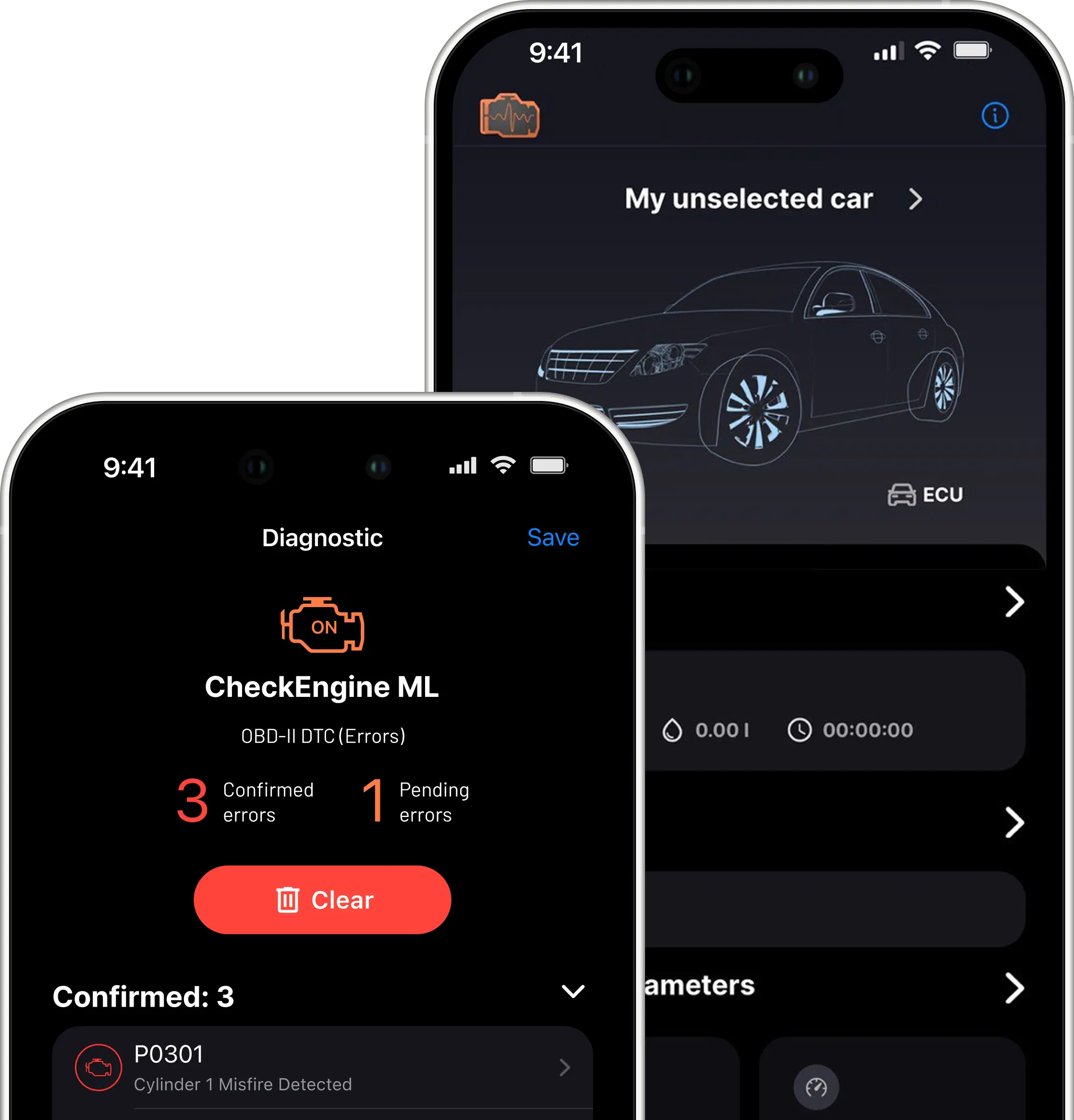
inCarDoc features
Why use inCarDoc? The app offers useful carcare features to check engine. With regular engine check you improve your car health and save money on fuelling and repairs

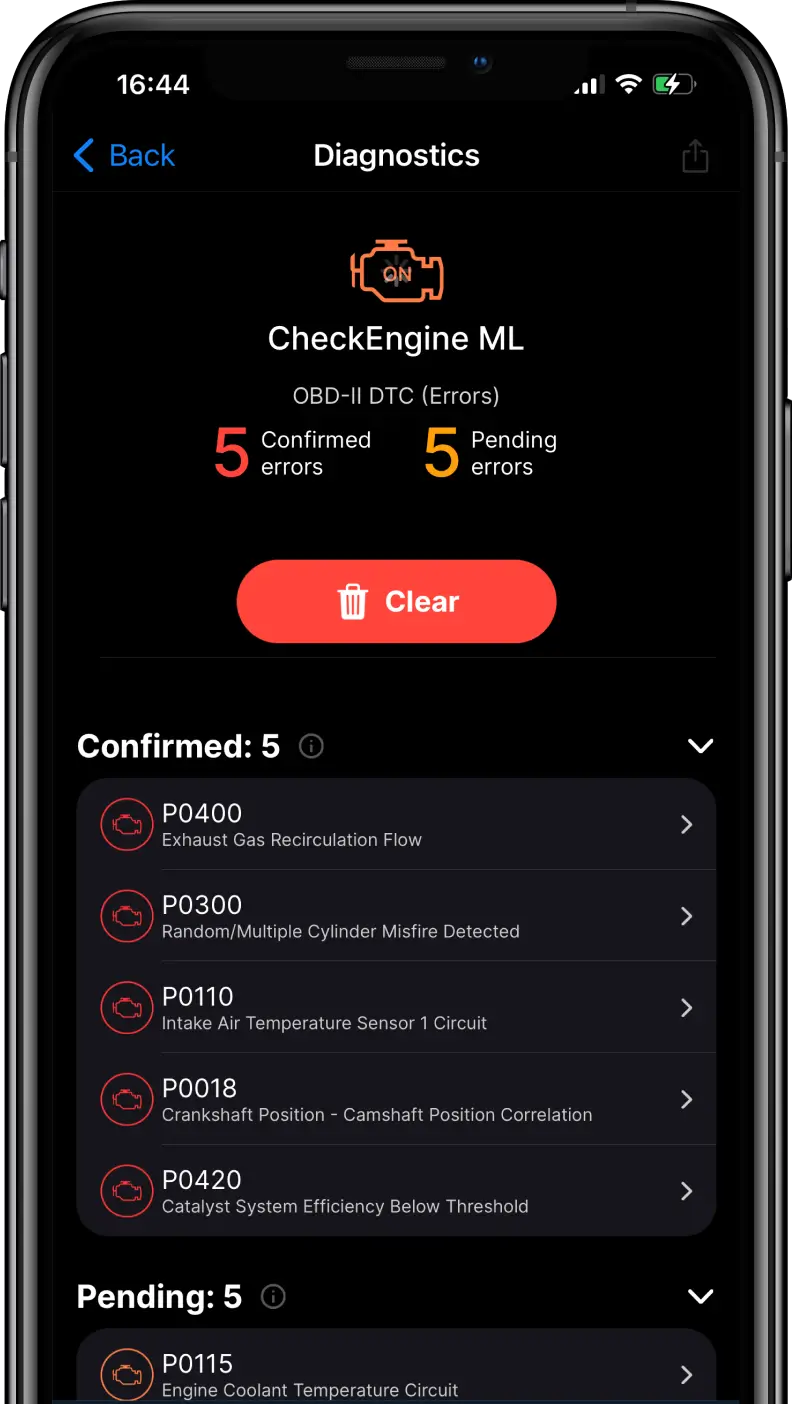
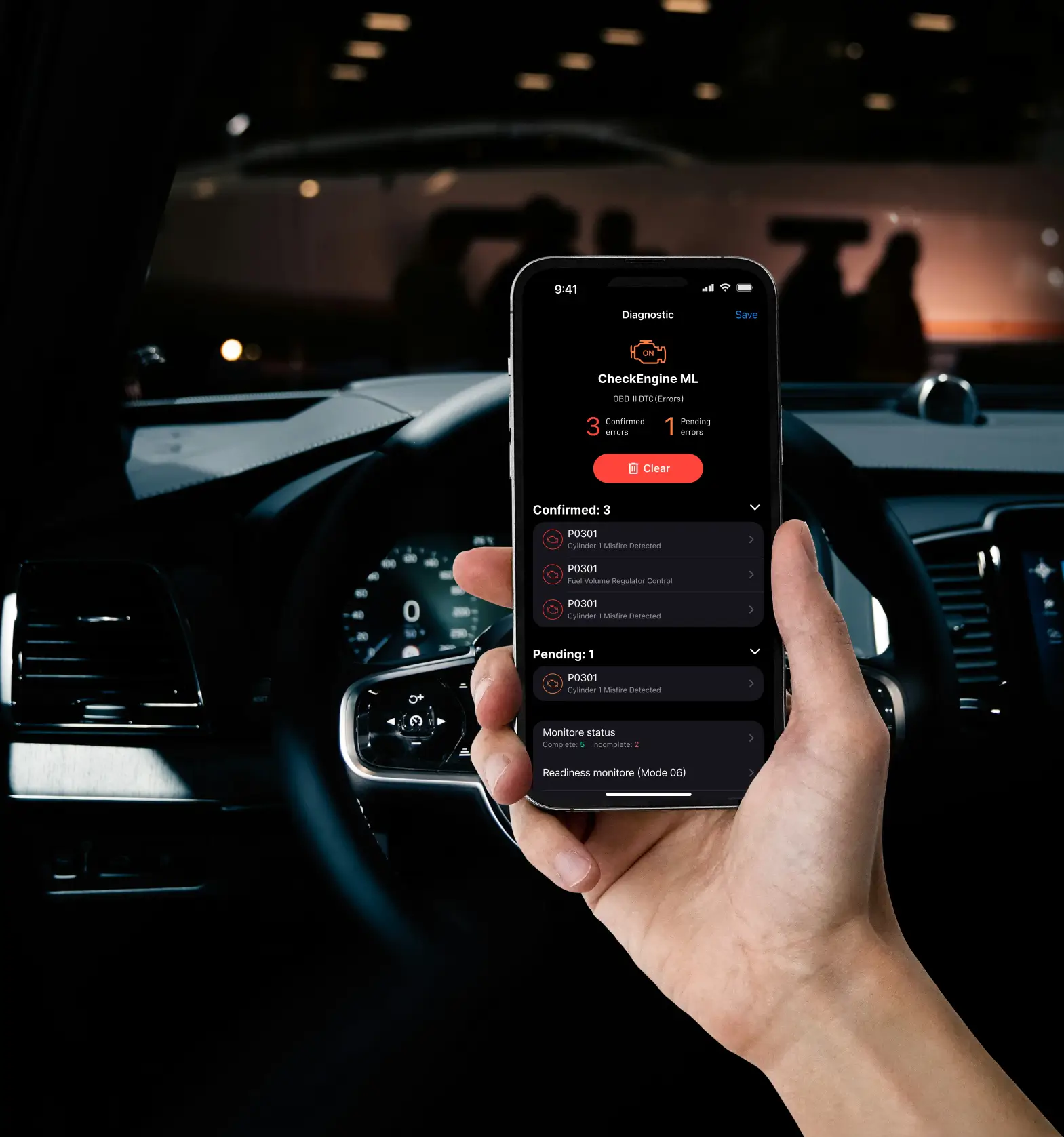
Read and clean diagnostic trouble codes from your vehicle's ECU.

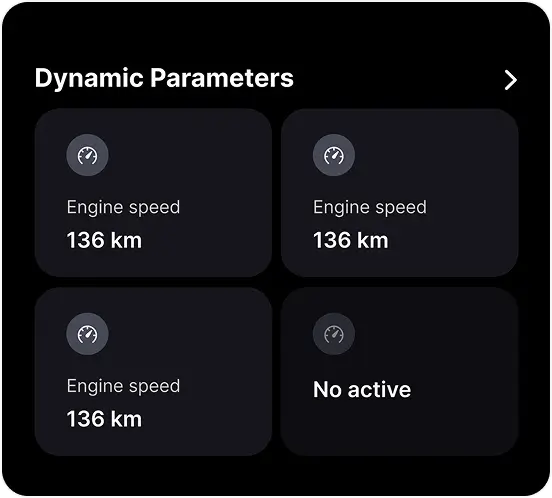
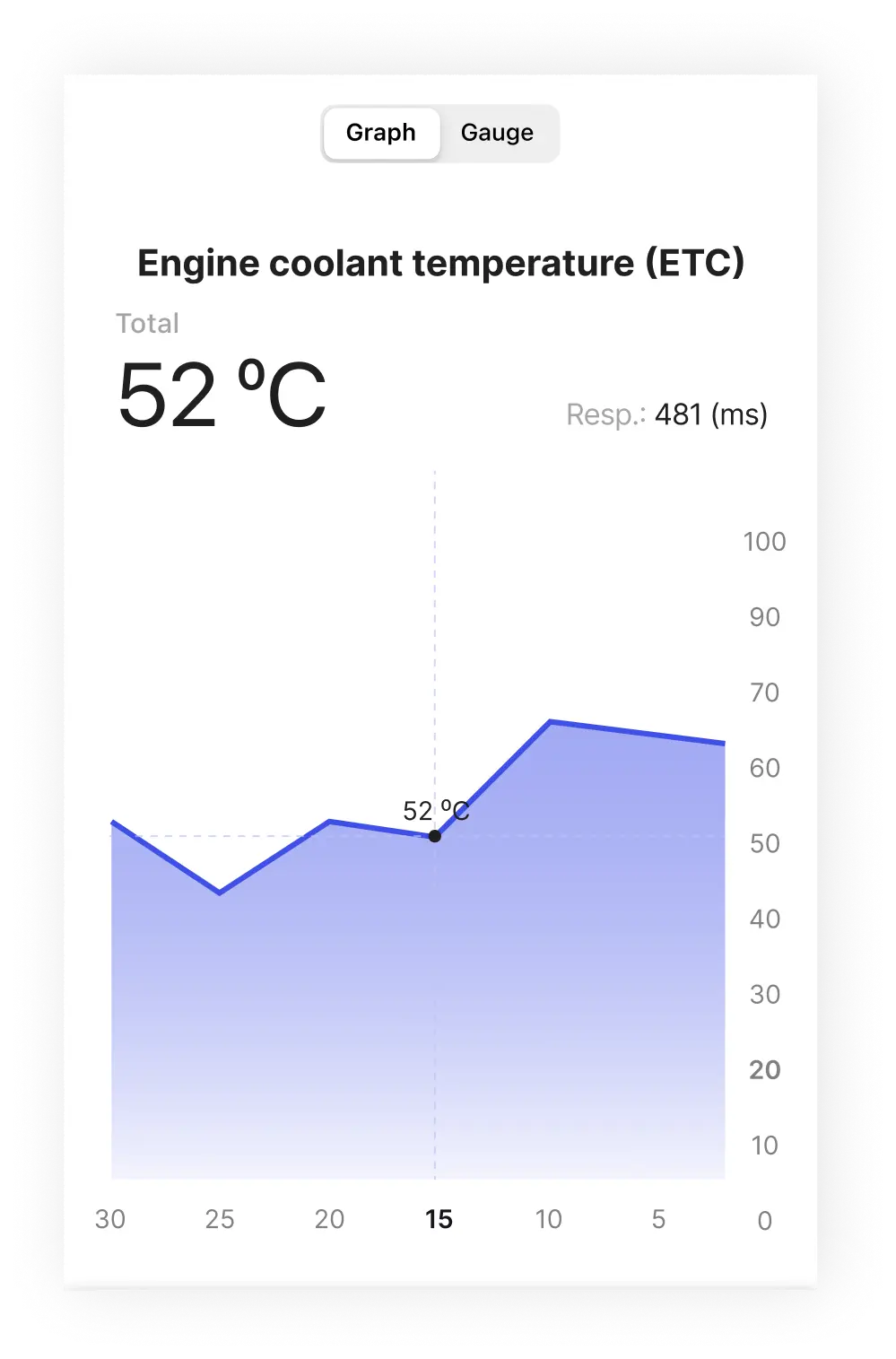
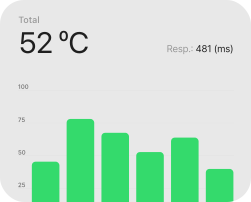
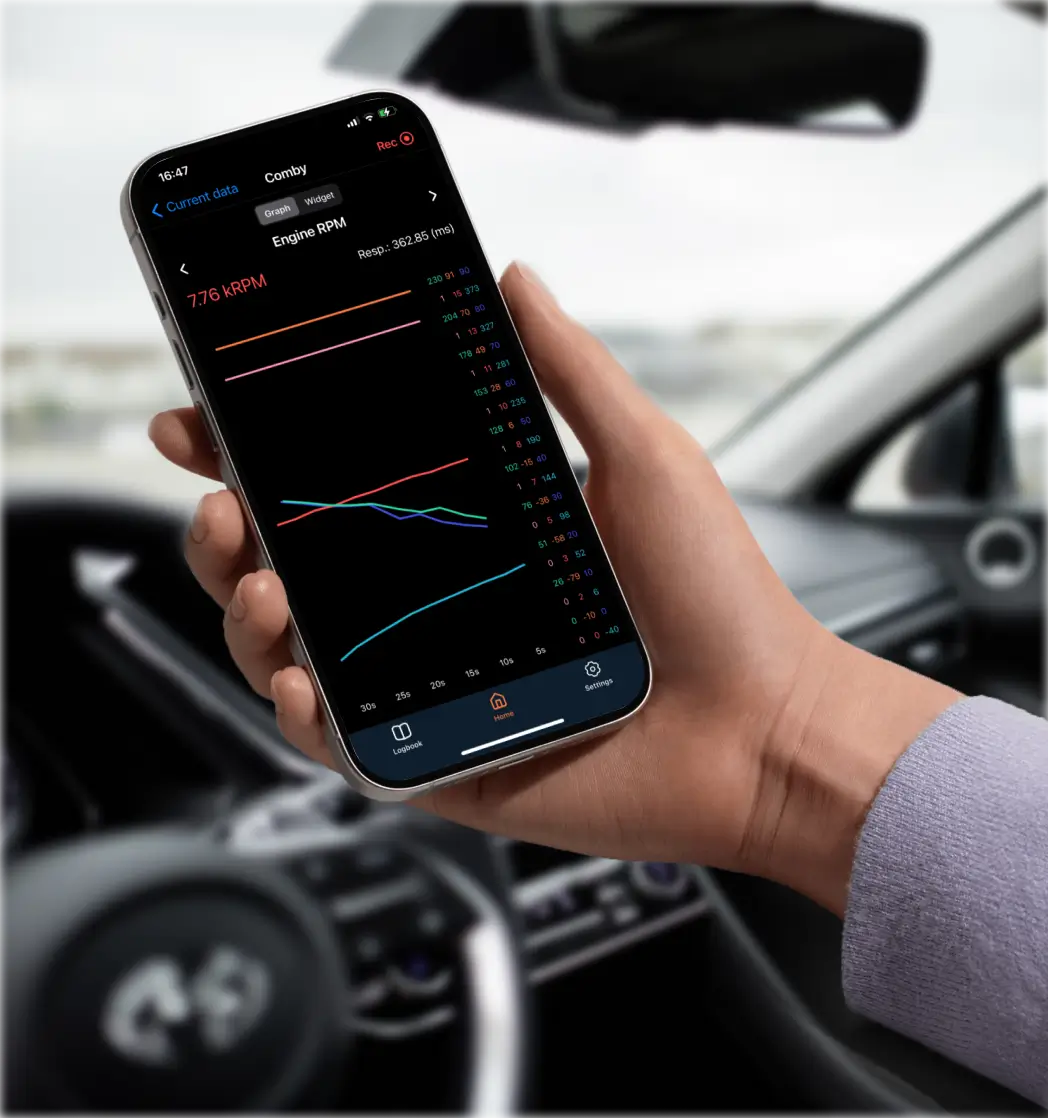
Read, record and store parameters in real-time and view them in the form of chartsand graphs.

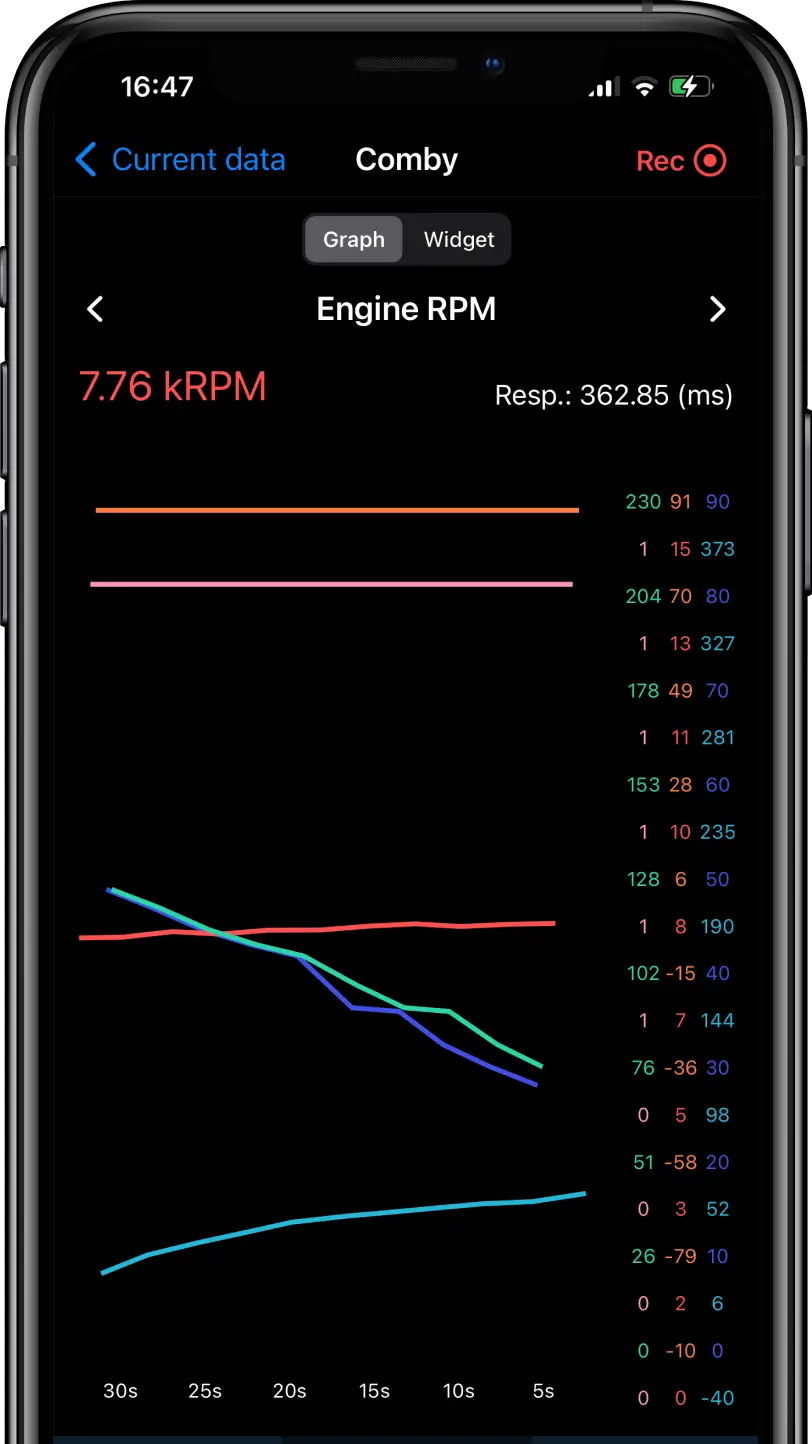
Create custom parameters' combinations to monitor several parameters altogether (PRO).
Record parameters in background mode (PRO).

Review fuel economy and consumption ratings with the Economizer tool (PRO).
Get mapping car parameters results while driving (PRO).
Basic features for fuel parameter control.
Connect the mobile app to the web portal for safe and easy data storage and review.
Instant notifications about car malfunctions: create and manage alerts.
Additional features for profound experience as speed monitor, logbook and GPS mode and route mapping.
How OBD2 apps help to maintaining the car?
- SAE J1850 PWM
- SAE J1850 VPW
- ISO 9141-2
- KWP2000 (ISO 14230-4)
- CAN (ISO 15765-4)
Behind Core Features
The application has been offering its solutions on the market for more than 10 years, and has been ranked TOP among users several times. The inCarDoc development team continues to improve car diagnostic software and test the functionality of the application on various car models.

Ample opportunities for everyone — track essential vehicle parameters directly from your smartphone
Beyond its core functionality, the inCarDoc mobile app offers noteworthy features that will enhance the experience of car owners and drivers. With this application, you can record and save dynamic parameters. The OBD2 diagnostic tool offers advanced access to Mode 06 and customizable data reading settings. Users of the PRO app version can customize the process of recording parameters by selecting multiple parameters at once.

Friendly interface
The inCarDoc modern design makes it convenient and intuitive, providing quick access to all functions. Customizable charts let you visualize dynamic settings in easy-to-read formats tailored to your preferences. This helps drivers easily analyze car performance in real time. Thanks to a well-thought-out interface, users can effectively monitor the condition of the vehicle and make informed decisions.

Track car real-time parameters from smartphone
The inCarDoc mobile app gives users powerful tools to track essential vehicle parameters directly from a smartphone. The app allows users to record and store real-time engine data. It helps better to understand vehicle behavior under various road conditions. With advanced OBD2 diagnostics, including access to Mode 06 and customizable data reading settings, users gain deeper insight into vehicle performance.

How to track fuel consumption?
Use inCarDoc Economaizer feature to monitor fuel. The app offers an easy-to-use fuel economy monitoring and analysis tool with customizable graphs that improve data visualization and interaction. For optimal performance of this feature, the vehicle must support MAF or MAP combined with IAT and RPM parameters.

Gps and logbook
In addition, the app includes a Logbook and GPS support for complete vehicle management. Users can store DTC check history, car fueling, and car maintenance history. Built-in maps assist drivers in locating nearby gas stations, parking areas, and service shops, making inCarDoc a practical all-in-one solution for everyday driving needs.

Easy to use, simply to understand
The inCarDoc modern design makes it convenient and intuitive, providing quick access to all functions. Customizable charts let you visualize dynamic settings in easy-to-read formats tailored to user preferences. This helps drivers easily and effectively analyze car performance in real time.
Advanced Features for Auto Enthusiasts
What is the difference between inCarDoc and inCarDoc PRO? inCarDoc PRO is an OBD2 reader app that offers users extended diagnostics capabilities, including advanced real-time data monitoring, additional vehicle parameters, enhanced data logging, and a more in-depth analysis of engine performance.
To upgrade to the PRO version, iOS users can make an in-app purchase of advanced functionality. Android users can separately buy inCarDoc PRO through the Google Play Store.
No Limits
Access to full diagnostics and DTC cleaning functions.
Background functionality
Record engine live data in background mode.
Economizer
Full access to fuel economy statistic screen.
Custom Recording
Record and display multiple real-time parameters simultaneously.

Why Choose InCarDoc?
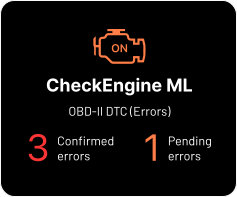
inCarDoc DTC reader serves you to analyze Check Engine faults and clear them. Detect hidden issues early to:
Enhance road safety
Stay ahead of critical system failures.
Prevent costly breakdowns
Detect potential issues early and avoid expensive repairs.
Save fuel and drive efficiently
Optimize your driving habits for better fuel economy.
Real-time monitoring
Track essential vehicle parameters directly from your smartphone.
User-friendly and versatile
Works with most OBD-II vehicles and adapters.
Save time
Use OBD2 scan tools for regular check engine control.
How to connect the application to the ELM327 adapter
The inCarDoc app requires an ELM327 or compatible OBD2 adapter, including Wi-Fi and iOS-compatible Bluetooth models such as V-Gate BLE, V-Gate B2, inCarDoc, Loanauto, or Kiwi. The OBD-II port is frequently located in the passenger compartment, at a distance of no more than 0.6 meters from the steering column, under the instrument panel.
Guide to configuring Wi-Fi/Bluetooth OBD2 adapters with the inCarDoc app
Get Started with InCarDoc
InCarDoc
FREE

InCarDoc PRO
$4.99
InCarDoc PRO
Free / In-App Purchase $6.99

inCarDoc Web Portal: Features, Support & OBD2 Guides
The inCarDoc web portal helps you diagnose your car using OBD2 technology. Here you can learn how to connect your vehicle, choose a compatible Bluetooth or Wi-Fi OBD2 adapter, and use the app to monitor your car in real time.
This portal provides clear guides, troubleshooting tips, and detailed explanations of app features, so you can easily read error codes (DTCs), track fuel consumption, and understand your vehicle’s performance.
On the inCarDoc web portal, you can find:
- How to install and use the inCarDoc car diagnostics app
- Full overview of app features and functionality
- Latest news, updates, and announcements
- User guides and troubleshooting tips
- Compatible Bluetooth and Wi-Fi OBD2 adapters (ELM327)
- Vehicle connection setup and settings
- Monitoring fuel consumption and performance
- Reading and understanding OBD2 trouble codes (DTCs)
What are the benefits of inCarDoc web portal for users:
- Create your own profile page and add other users
- Upload and store your info and records in personal profile
- Possibility to view and share info on-line
- Start new topics and reply to posts
- Forum for consultations and discussions with other users of vehicle-related topics
- Subscribe to topics and forums to get updates on valuable topics
- Send personal messages to other members
- Read useful articles in inCarDoc blog
With 14+ million downloads and a top place in the automotive apps, we're proud to have built a strong, reliable community. Download inCarDoc OBD2 diagnostic software and check your car for DTC, expand your control of the reliability of your car.
Trusted by 14m+ Happy Customers


Community Discussions
View All →App setting up, Wi-Fi connection
Functionality
Codes description
Codes description
Codes description
Site and forum